
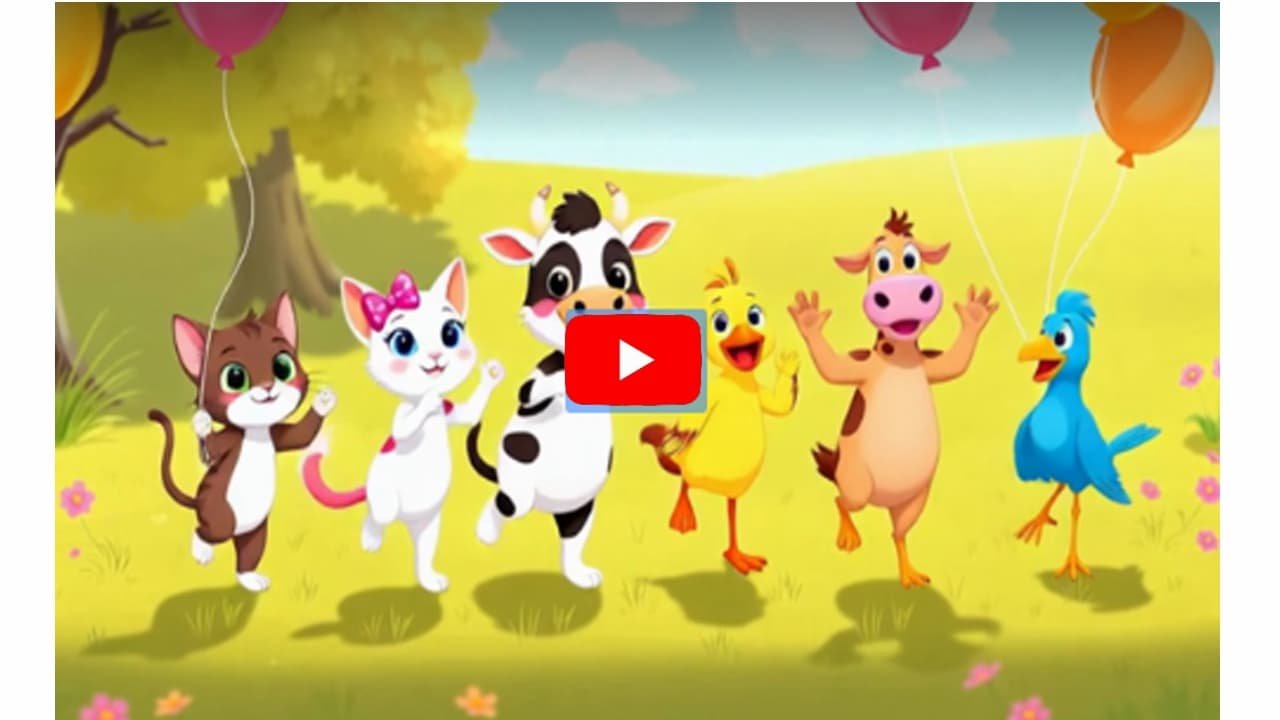

Top AI Tools for Creating Kids’ Animated Videos Quickly
Thanks to AI, producing professional-quality, engaging animated videos for children has never been easier. Even without technical skills, these tools handle animation, voiceovers, and music, so you can focus on storytelling.
1. Steve AI
-
What it does: Turns text into animated videos with various visual styles.
-
Why it’s great for kids: Automatically generates visuals, voiceovers, and background music. Beginner-friendly interface makes it easy to create a polished video in minutes.
2. Animaker
-
What it does: AI-powered platform for animated and live-action videos.
-
Why it’s great for kids: Huge library of characters, props, and templates. AI assists with scriptwriting and voiceovers, perfect for educational or fun stories.
3. Invideo AI
-
What it does: Generates full cartoon videos from a text prompt.
-
Why it’s great for kids: The AI creates the script, visuals, voiceover, and music. You can customize details like video length and narration accent.
4. Krikey AI
-
What it does: 3D animation platform for creating and animating characters.
-
Why it’s great for kids: Offers text-to-animation and video-to-animation tools, letting you bring custom 3D characters to life quickly and easily.
5. ImagineArt
-
What it does: Creates short, 5-second video clips from simple descriptions.
-
Why it’s great for kids: Ideal for building quick visuals that you can combine with music and voiceovers to make longer stories.
Why Use These Tools:
-
Automate the most time-consuming tasks (scriptwriting, animation, voiceovers).
-
Focus your energy on creativity and storytelling.
-
Produce professional-looking kids’ videos in a fraction of the time traditional methods require.
How AI Makes Starting a Kids’ Animation Channel Easy
Creating fun, safe, and engaging animated content for kids used to require specialized skills, expensive software, or a whole production team. Today, AI has simplified the entire process, turning even beginners into content creators in just a few steps.
How AI Removes the Technical Barriers
-
No Drawing or Design Skills Needed: AI animation platforms provide libraries of pre-made characters, backgrounds, and objects. Want something unique? AI image generators can create custom characters and scenes from a simple text prompt.
-
Automated Scriptwriting: Don’t have a story ready? AI language models like ChatGPT or Google Gemini can generate a complete, coherent script for a 3-minute video with a clear beginning, middle, and end.
-
Text-to-Speech Voiceovers: Forget hiring voice actors or recording your own voice. AI can produce child-friendly, realistic narrations and even translate your story into multiple languages instantly.
-
Automatic Animation: AI can convert a written script directly into an animated video. It synchronizes voiceovers with character movements and scene changes, producing a rough cut you can easily refine.
Simple AI Tools for Kid-Friendly Animations
1. Animaker
-
Generates complete animated videos from text prompts.
-
Offers a wide range of kid-friendly templates, characters, and a drag-and-drop interface.
-
Ideal for beginners wanting quick results.
2. Steve AI
-
Transforms scripts into fully animated cartoon videos automatically.
-
Handles scene selection, visuals, and voiceovers with minimal user input.
3. Krikey AI
-
Focuses on 3D animation with customizable avatars.
-
Animate characters by typing descriptions or uploading movement videos.
-
Perfect for fun, dancing, or action-packed kids’ content.
4. Renderforest
-
Features an AI Cartoon Generator to create videos directly from your script.
-
Includes a library of characters and animation styles for professional-looking results.
5. Powtoon
-
An all-in-one solution with AI-assisted scriptwriting, avatars, voiceovers, and captions.
-
Great for producing educational or entertaining stories quickly.
Why These Tools Matter:
These AI platforms handle the technical heavy-lifting, letting you focus on creativity. You can produce safe, educational, and entertaining stories for kids—without needing prior animation or video editing experience.
Ready to Create Viral Kids Story Videos in Minutes?
Don’t wait! With KidsTale AI, you can turn any idea into engaging, multilingual kids story videos — no tech skills, no editing, and zero monthly costs.
🎨 Generate Cocomelon-style videos, fairy tales, bedtime stories, and rhymes with AI voices, music, and animations in just a few clicks.
💰 Sell your videos on YouTube, TikTok, Instagram, Etsy, Fiverr, or start your own kids content channel.Grab KidsTale AI today for a one-time payment and start creating viral kids story videos that entertain, educate, and earn!
Beginner’s Guide: Creating Educational Kids’ Videos with AI
Thanks to artificial intelligence, producing high-quality, educational, and entertaining videos for children is now simpler than ever. You no longer need advanced animation or editing skills—AI handles the most complex parts for you.
Here’s a step-by-step guide for beginners.
Step 1: Brainstorming and Scripting
-
Choose a simple topic:
Focus on concepts young children can easily understand, such as:-
Counting
-
Colors
-
Alphabet letters
-
Basic science topics (e.g., the water cycle or healthy eating)
-
-
Use AI to write your script:
Tools like ChatGPT or Google Gemini can generate a complete, age-appropriate script. Example prompt:“Write a 3-minute educational script for kids aged 3-5 about why vegetables are important. Make it fun and simple.”
-
Keep it short:
Young children have short attention spans. Aim for 2–5 minutes per video for maximum engagement.
Step 2: Creating the Video with AI Tools
You don’t need traditional animation software. AI platforms can handle the visuals, voiceovers, and editing automatically.
-
Invideo AI: Paste your script, and the AI generates a complete video with visuals, narration, and music. You can also edit the video using simple text commands.
-
Animaker: Offers a large library of kid-friendly characters and templates. Use its AI tools to generate scripts, videos, and customize each scene.
-
Steve AI: Converts text into animated videos automatically. The AI selects visuals, adds voiceovers, and creates animations for beginners.
-
HeyGen: Creates realistic AI avatars that can act as an animated “teacher,” speaking directly to your audience.
Step 3: Adding Voice and Sound
-
AI voiceovers: Most of these tools have built-in text-to-speech engines with child-friendly voices. Choose a voice and let the AI narrate your script.
-
Music and sound effects: Keep children engaged with cheerful music and fun sound effects. AI video tools usually include royalty-free libraries you can use.
Step 4: Finalizing and Publishing
-
Review and refine: Watch the video to ensure visuals and audio are in sync. AI tools make editing quick and easy.
-
Create an eye-catching title and thumbnail: Use an AI image generator to make a vibrant thumbnail appealing to kids. Titles should be descriptive and fun, e.g., “Learning Colors with a Robot Friend!”
-
Publish to YouTube: Set your audience to “Yes, it’s Made for Kids” to comply with YouTube policies and ensure your content is served safely.
With these steps, anyone—even without technical experience—can produce engaging, educational videos for children using AI. It’s a fun and efficient way to bring stories and lessons to life.
Ready to Create Viral Kids Story Videos in Minutes?
Don’t wait! With KidsTale AI, you can turn any idea into engaging, multilingual kids story videos — no tech skills, no editing, and zero monthly costs.
🎨 Generate Cocomelon-style videos, fairy tales, bedtime stories, and rhymes with AI voices, music, and animations in just a few clicks.
💰 Sell your videos on YouTube, TikTok, Instagram, Etsy, Fiverr, or start your own kids content channel.Grab KidsTale AI today for a one-time payment and start creating viral kids story videos that entertain, educate, and earn!
YOU MAY ALSO LIKE:
How to Create Kids Story Videos with AI: Beginner’s Guide for Parents & Educators
Cocomelon-Style Videos on a Budget: Best AI Tools for Kids Content
Multilingual Kids Story Videos: Reach More Audiences Using AI Tools
Step-by-Step: Making Rhyming Kids Videos in Minutes Using AI
Top 5 Low-Cost Platforms to Make Kids Story Videos Without Editing Skills
How Teachers & Tutors Can Use AI to Produce Story Videos for Kids
Earn $50–$500 Selling Animated Stories: AI Tools for Kids Video Creators
AI Story Video Ideas That Go Viral: Fairy Tales, Superheroes & More
From Concept to Upload: Launching Your Kids’ YouTube Channel with AI