
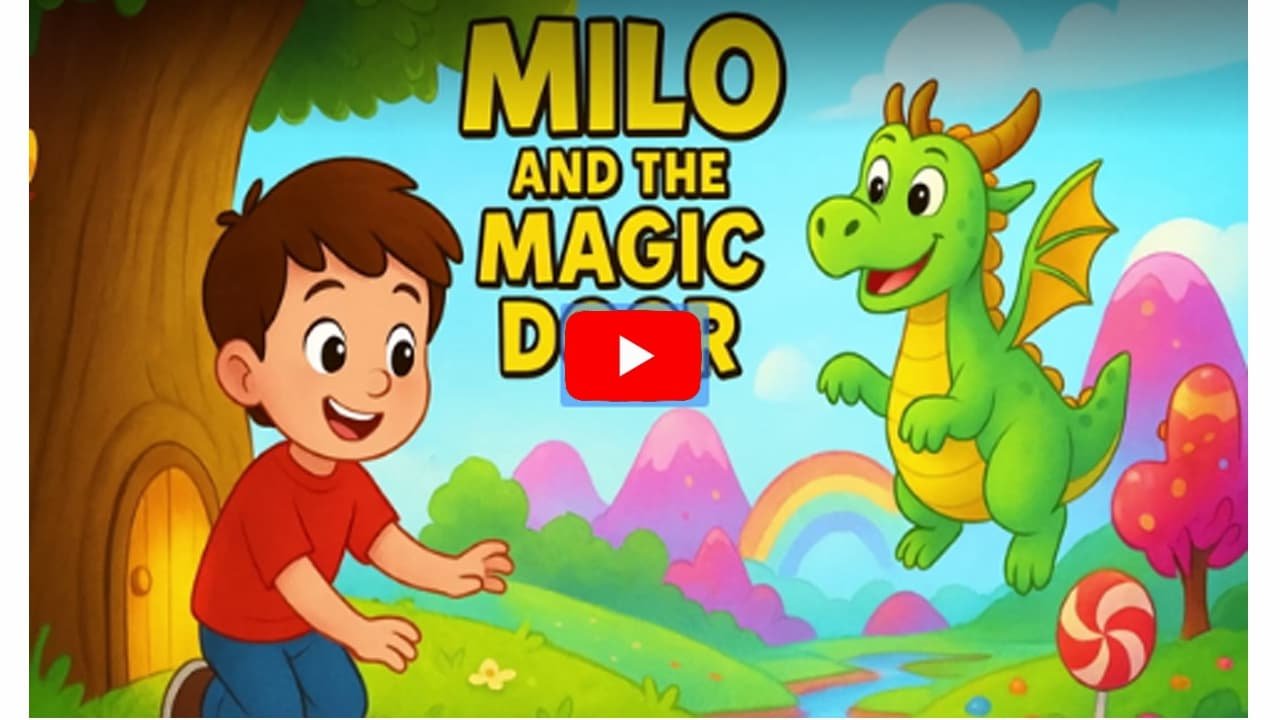

Launching a Kids’ YouTube Channel with AI: A Step-by-Step Guide
Launching a kids’ YouTube channel with AI-generated content is a strategic way to enter the digital media space. AI tools allow you to bypass traditional hurdles like expensive animation software, voice actors, and large production teams.
Here’s how to start and monetize your channel efficiently:
Step 1: Niche Selection and Channel Setup
-
Find your niche:
-
While “kids’ content” is broad, focusing on a specific niche will help you stand out.
-
Ideas include: educational songs, bedtime stories, animal fun facts, or animated sing-alongs.
-
Use AI tools like ChatGPT or Google Gemini to brainstorm ideas. Example prompt:
“Generate 10 engaging story ideas for a 3–5 minute animated video for kids aged 4–8, each with a clear moral lesson.”
-
-
Set up your channel:
-
Create a YouTube account and channel name that is kid-friendly, easy to remember, and relevant to your niche.
-
Make sure the channel is managed by a parent or guardian and complies with YouTube’s child-safety guidelines.
-
-
Create channel branding:
-
Design a logo and channel banner using AI image generators like Midjourney, DALL-E, or Leonardo AI.
-
Keep branding colorful, simple, and memorable for young viewers.
-
Step 2: Content Creation with AI Tools
-
Scriptwriting:
-
Use AI language models to generate scripts. Include audience, length, and message in your prompt.
-
Example prompt:
“Write a 3-minute script for a kids’ video about why sharing toys is important. Make it fun and easy to understand.”
-
-
Visual Generation:
-
Text-to-Image: For storybook-style videos, use AI image generators (Leonardo AI, Midjourney) to create illustrations. Maintain consistency by using similar prompts for recurring characters.
-
Text-to-Video/Animation: Tools like InVideo AI, Animaker, or Steve AI can automatically convert scripts into animated videos with pre-made characters, scenes, and transitions. Some tools can even generate unique visuals based on prompts.
-
-
Voice-over:
-
Use AI text-to-speech tools to generate child-friendly narration. Many video platforms have built-in voices.
-
For multilingual content, AI can instantly translate your script and create voice-overs in multiple languages.
-
-
Editing:
-
Combine visuals, narration, music, and sound effects using your chosen AI platform. Drag-and-drop interfaces and automated editing features simplify the process.
-
Step 3: Optimization and Publishing
-
Create a compelling title and thumbnail:
-
Use an AI image generator for a vibrant thumbnail.
-
Use AI headline generators to craft a catchy, descriptive title.
-
-
Write a detailed description:
-
Include a brief story summary, call-to-action, and relevant keywords to improve search ranking. AI tools like ChatGPT can help.
-
-
Add tags and subtitles:
-
Include relevant tags to help YouTube understand your content.
-
Use AI tools to auto-generate subtitles for accessibility and a broader audience.
-
-
Categorize your video:
-
Set the audience to “Made for Kids” to comply with COPPA and YouTube policies.
-
Step 4: Promotion and Growth
-
Promote on social media:
-
Share video clips or behind-the-scenes content on Instagram, TikTok, and other platforms to drive traffic.
-
-
Build a community:
-
Engage with parents in comments, ask for feedback, and create content based on viewer preferences.
-
-
Analyze performance:
-
Use YouTube Analytics to track top-performing videos, audience demographics, and language preferences.
-
Refine your content strategy based on this data to maximize growth.
-
By following this AI-driven workflow, you can launch a professional, engaging, and monetizable kids’ YouTube channel without needing prior technical skills or a large production team.

Step-by-Step Roadmap for Launching Your First AI-Generated Kids’ Video on YouTube
Creating and launching your first kids’ video with AI is simpler than ever. Follow this step-by-step guide to produce high-quality, engaging content that appeals to children and parents alike.
Step 1: Brainstorm Your Video Idea
-
Define your niche
-
Don’t just settle for “kids’ content.” Focus on a specific type:
-
Educational science videos
-
Animated bedtime stories
-
Fun songs about daily routines
-
-
-
Use AI for brainstorming
-
Tools like Google Gemini or ChatGPT can help generate unique story ideas.
-
Example prompt:
“Generate 5 unique and engaging story ideas for a 3-minute animated video for kids aged 3–6. Themes should focus on friendship and sharing.”
-
-
Write the script
-
Have the AI create a simple, easy-to-follow script with a clear beginning, middle, and end.
-
Use short sentences and simple words that children can easily understand.
-
Step 2: Create the Video with AI Tools
-
Choose a video generator
-
Popular beginner-friendly options include HeyGen, Animaker, and Steve AI.
-
Look for platforms that offer:
-
Text-to-video
-
AI voiceovers
-
Kid-friendly assets
-
-
-
Generate visuals
-
Text-to-video: Paste your script into the AI tool, and it will generate scenes and characters automatically.
-
Text-to-image: For a customized style, use tools like Midjourney or DALL-E 3 to create characters and backgrounds. Import these images into your video editor for animation.
-
-
Create voice-over
-
Use the AI platform’s text-to-speech feature.
-
Choose a friendly, warm voice suitable for children.
-
For multilingual content, generate voice-overs in multiple languages automatically.
-
-
Add music and sound effects
-
Use age-appropriate, upbeat, or calming music.
-
Enhance engagement with sound effects like birds chirping, doors opening, or magical twinkles.
-
Step 3: Finalize and Optimize Your Video
-
Edit and refine
-
Adjust scene timing, add transitions, and swap images if necessary to ensure smooth storytelling.
-
-
Create a compelling title and thumbnail
-
Use AI image generators for vibrant, eye-catching thumbnails.
-
Generate several title options with AI, e.g.,
-
“A Magical Adventure of a Friendly Robot”
-
“The Little Star Who Lost His Sparkle”
-
-
-
Write a detailed description and tags
-
Include a clear video summary, keywords parents might search for (e.g., “kids story,” “bedtime story,” “learn to share”), and relevant tags to boost discoverability.
-
Step 4: Upload to YouTube
-
Go to YouTube Studio
-
Click “Create” → “Upload videos.”
-
-
Upload your video file
-
Fill out video details
-
Title & Description: Paste your AI-generated title and description.
-
Thumbnail: Upload the thumbnail you created.
-
Audience: Select “Yes, it’s Made for Kids” to comply with COPPA and ensure a safe environment.
-
Tags: Add relevant tags to improve search rankings.
-
Subtitles & Multi-Language Audio: Upload additional languages or subtitles if available.
-
-
Review and publish
-
Double-check all settings.
-
Choose to publish immediately or schedule for later.
-
Click Save or Publish.
-
By following these steps, you can successfully launch your first AI-generated kids’ video and establish a channel that produces consistent, high-quality, and engaging content for children.
Ready to Create Viral Kids Story Videos in Minutes?
Don’t wait! With KidsTale AI, you can turn any idea into engaging, multilingual kids story videos — no tech skills, no editing, and zero monthly costs.
🎨 Generate Cocomelon-style videos, fairy tales, bedtime stories, and rhymes with AI voices, music, and animations in just a few clicks.
💰 Sell your videos on YouTube, TikTok, Instagram, Etsy, Fiverr, or start your own kids content channel.Grab KidsTale AI today for a one-time payment and start creating viral kids story videos that entertain, educate, and earn!
How AI Makes Starting a Kids’ YouTube Channel Easier Than Ever
Artificial intelligence has completely transformed content creation. What once required a full team of animators, voice actors, and editors can now be handled by a single creator using intuitive AI tools. Here’s how AI simplifies the entire process:
1. No More “Blank Page” Problem
One of the hardest parts of creating kids’ content is coming up with fresh, engaging ideas consistently.
-
AI as a creative partner: Tools like Google Gemini or ChatGPT can brainstorm story ideas, write scripts, and even compose simple songs.
-
Example prompt:
“Write a 5-minute script for a kids’ story about a brave astronaut and a talking star.”
-
Result: You get a first draft in seconds, saving hours of creative work and jumpstarting your storytelling process.
2. Automated Visuals and Animation
Animation used to be the most time-consuming and expensive part of video creation—but AI has changed that.
-
Text-to-video: Platforms like Animaker, HeyGen, and Steve AI can turn your script directly into a fully animated video with characters, backgrounds, and scene transitions.
-
Custom visuals: For a unique style, use text-to-image generators like Midjourney or DALL-E to create illustrations and consistent characters, which you can then animate in your video editor.
3. Voice-over and Sound Made Simple
Hiring a voice actor for every video is costly and logistically challenging. AI eliminates this barrier entirely.
-
Text-to-speech: AI can generate realistic, expressive voices that sound like friendly narrators or children.
-
Multilingual content: AI can instantly translate your script and create voice-overs in multiple languages, allowing your videos to reach a global audience.
4. Efficient Production and Editing
AI streamlines production, letting creators focus on storytelling instead of technical details.
-
Many AI video tools include automated editing, background music, and subtitle generation.
-
User-friendly interfaces: Even beginners can make quick adjustments, render final videos, and maintain a consistent upload schedule—key to growing a YouTube channel.
5. Data-Driven Optimization
AI doesn’t just help you create—it also helps your videos get discovered.
-
Tools like VidIQ analyze your content and suggest keywords, tags, titles, and descriptions to improve search rankings.
-
This data-driven approach, once limited to marketing experts, is now available to every creator, helping your content reach the right audience faster.
Bottom line: AI gives aspiring kids’ content creators the power to brainstorm, animate, voice, edit, and optimize videos all in one streamlined workflow. With these tools, you can focus on the fun part—telling stories that entertain and educate children—while AI handles the heavy lifting.
Ready to Create Viral Kids Story Videos in Minutes?
Don’t wait! With KidsTale AI, you can turn any idea into engaging, multilingual kids story videos — no tech skills, no editing, and zero monthly costs.
🎨 Generate Cocomelon-style videos, fairy tales, bedtime stories, and rhymes with AI voices, music, and animations in just a few clicks.
💰 Sell your videos on YouTube, TikTok, Instagram, Etsy, Fiverr, or start your own kids content channel.Grab KidsTale AI today for a one-time payment and start creating viral kids story videos that entertain, educate, and earn!
YOU MAY ALSO LIKE:
How to Create Kids Story Videos with AI: Beginner’s Guide for Parents & Educators
Cocomelon-Style Videos on a Budget: Best AI Tools for Kids Content
Multilingual Kids Story Videos: Reach More Audiences Using AI Tools
Step-by-Step: Making Rhyming Kids Videos in Minutes Using AI
Top 5 Low-Cost Platforms to Make Kids Story Videos Without Editing Skills
How Teachers & Tutors Can Use AI to Produce Story Videos for Kids
Earn $50–$500 Selling Animated Stories: AI Tools for Kids Video Creators
AI Story Video Ideas That Go Viral: Fairy Tales, Superheroes & More
Zero Tech Skills? No Problem — AI for Creating Child-Friendly Animated Videos